
Get more from your monday workspace
The easiest and most flexible way to import your most important data into monday. No code or complicated workflows required.
Free forever for one board · No credit card
Loved by 100s of teams. Millions of records imported every day.





Everything you need to bring data into monday
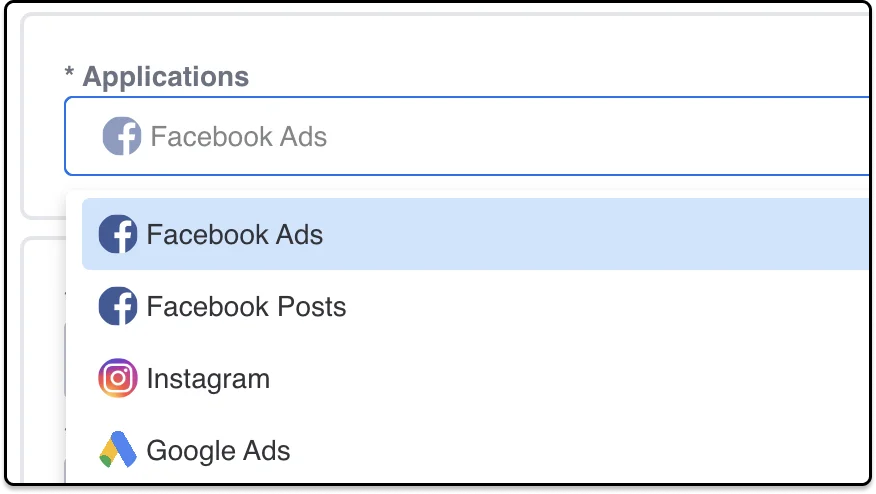
Multiple sources from one app
Easily bulk import your business data into monday.com from your most important applications.
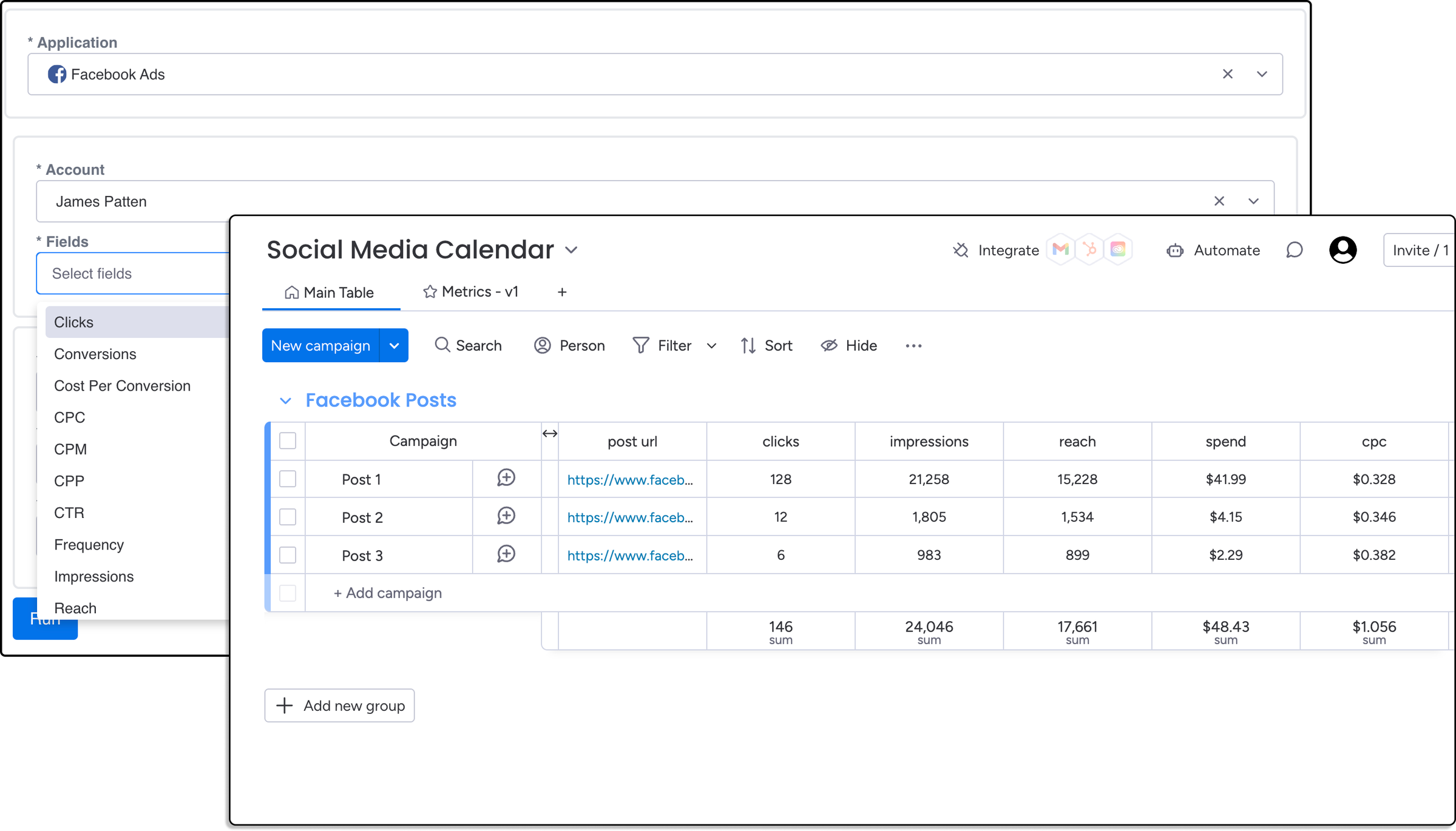
Use data already in your board
Import data based on your existing monday.com items such as account ids or post urls. Great for adding metrics to social media calendars.
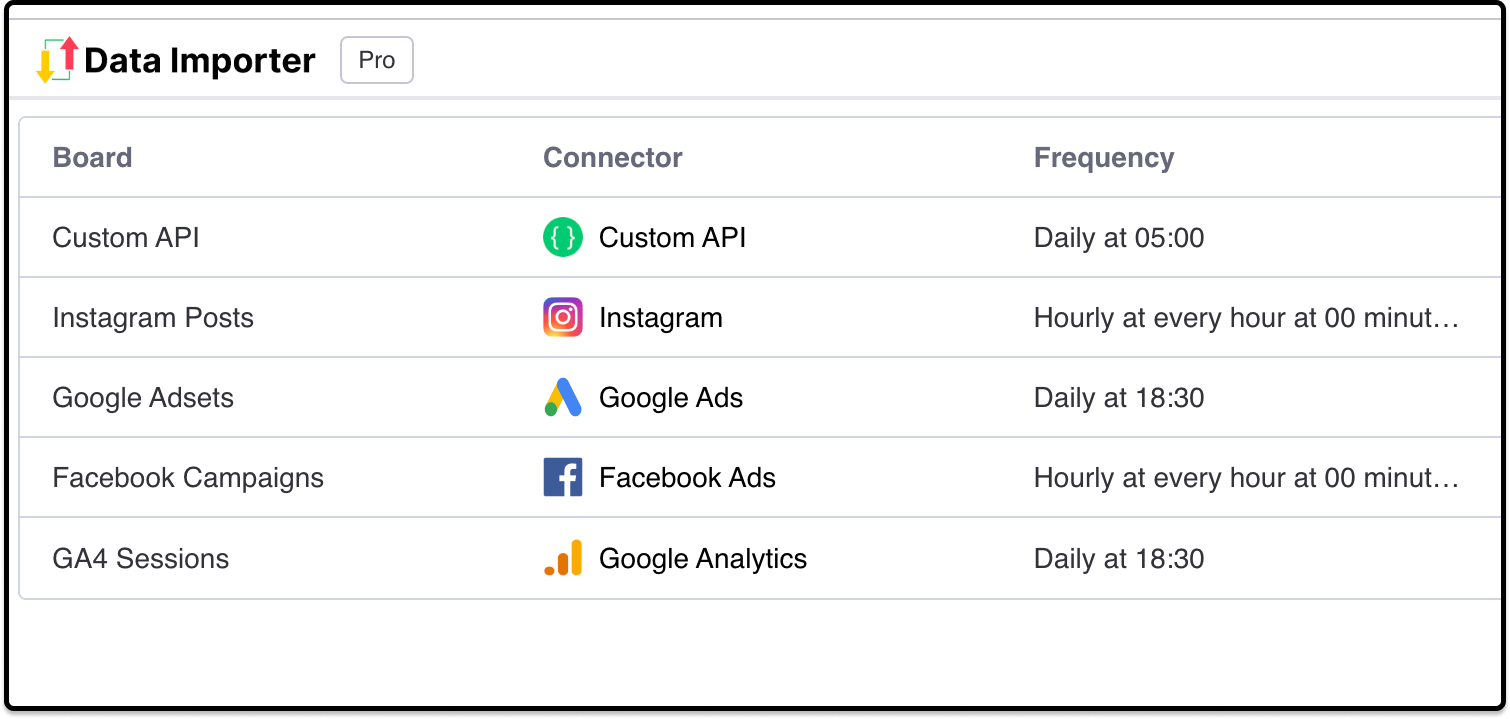
Schedule imports
Import data on a custom schedule, even when you are offline to have your metrics update automatically.
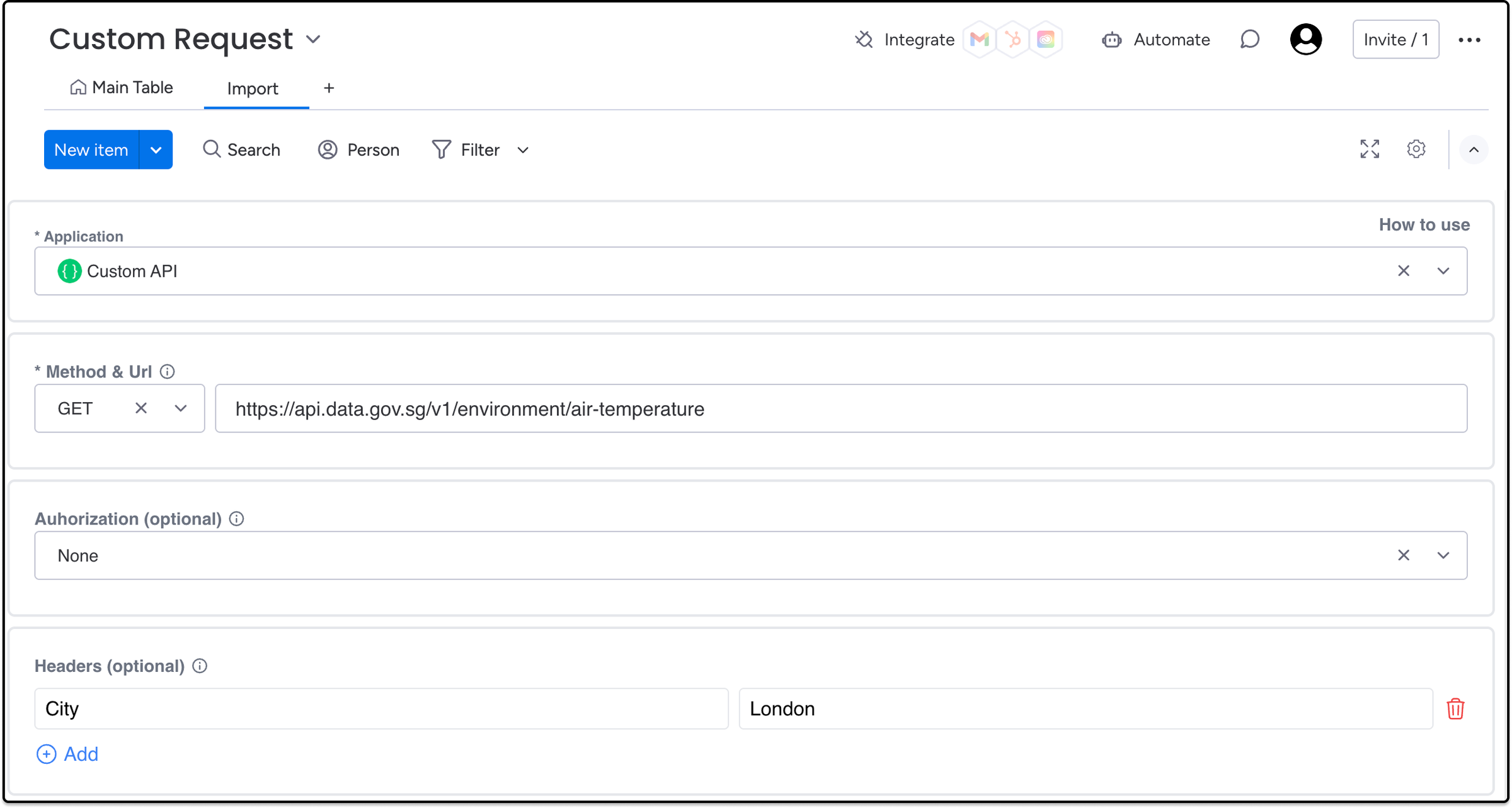
Connect to any API without code
Fetch data from any REST api so that you can bulk import data into your monday.com board.
Teams love Data Importer
“Data Importer sets a high bar for customer service and I love it. A great example of continuous improvement and meeting customer needs.”

“Data Importer is an incredibly helpful tool...the developer was on hand to help in any way we needed. Great service!”

“Data Importer has made automating workflows and importing data into Monday.com fast and easy. It saves time by eliminating manual tasks, and the support team is responsive and committed to ongoing improvements based on user feedback.”

“The app aims to solve a range of real problems and is well made and affordable. When we requested a change to the required input values for a particular column type, James pushed a working update first time in no time without fuss.”

Latest tutorials

How to Import HubSpot Contacts Into monday (Integration)
Import HubSpot contacts into a monday.com board

How to import the people column into monday.com from an Excel file
in this tutorial, we will show how you can import People from an Excel sheet into your monday.com boards. 1. You can install the Data Importer app from the m…
How to import the status column into monday.com from an Excel file
in this tutorial, we will show how you can import statuses from an Excel sheet into your monday.com boards. 1. You can install the Data Importer app from the…
Frequently asked questions
Does Data Importer store imported data?
Absolutely not. We only transfer data between your source application and monday.com.
Is there a free trial?
We don't have a time limited trial. We have a free forever tier that lets you import data into one board.
I want to use Data Importer but it doesn't have an application I need?
Send an email to james@dataimporter.co with a link to the application you want to connect to. We listen to and implement feature requests from all users, and can often turn them around in < 48 hours.
Start importing for free
Install Data Importer from the monday.com marketplace. Free forever for one board.
Add to monday.com